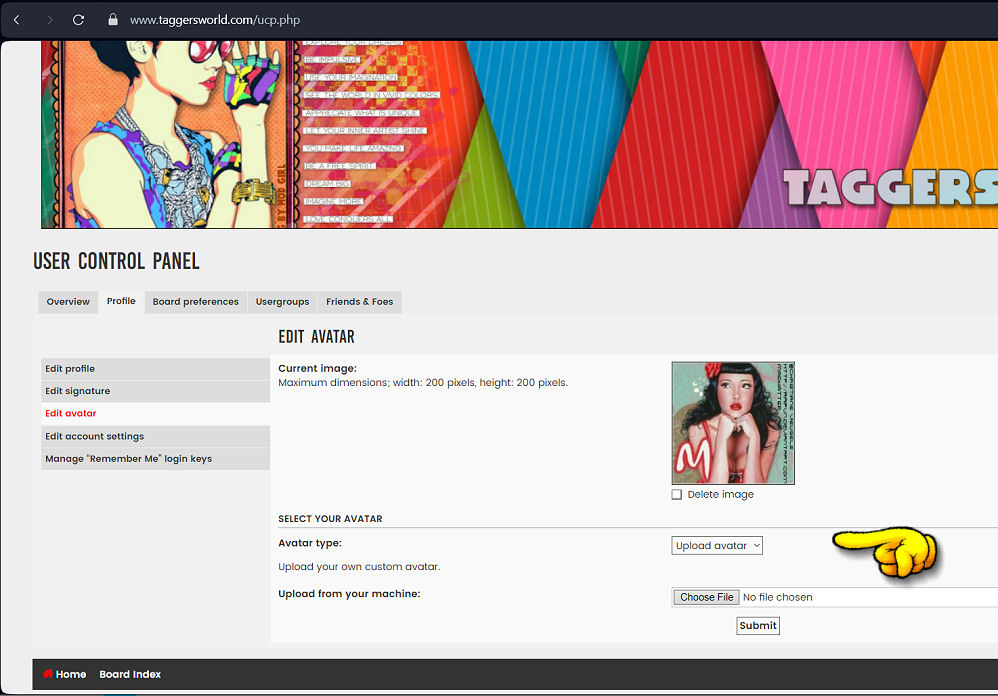

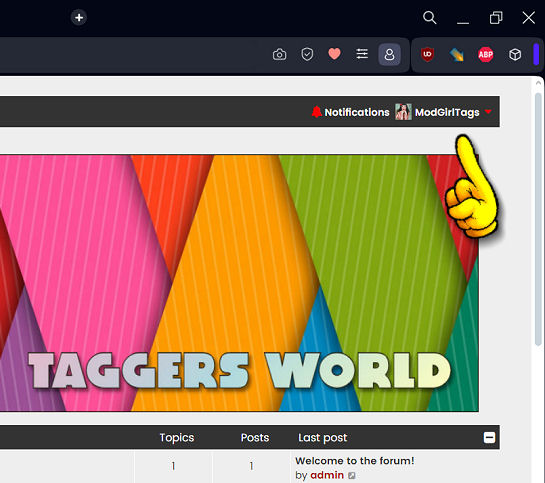
The images might be older ones but the tutorial itself is current and should work fine when changing your profile. After you have registered to the forum, look for your profile name at the top right hand corner of the page.
Click on your name:
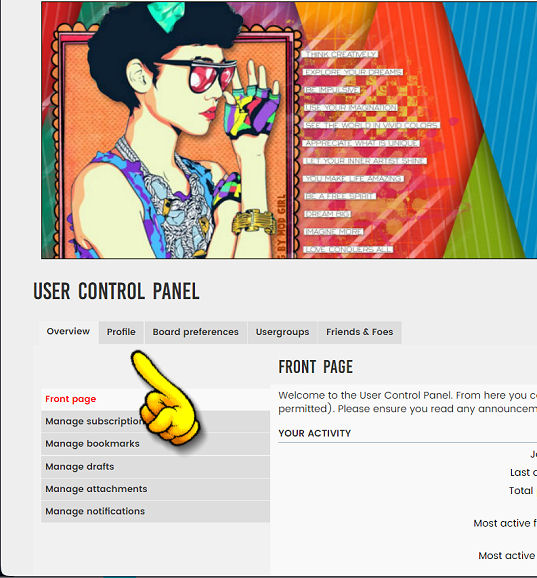
 You will now be inside your user control panel. Look for the link which reads "Profile" and click on that:
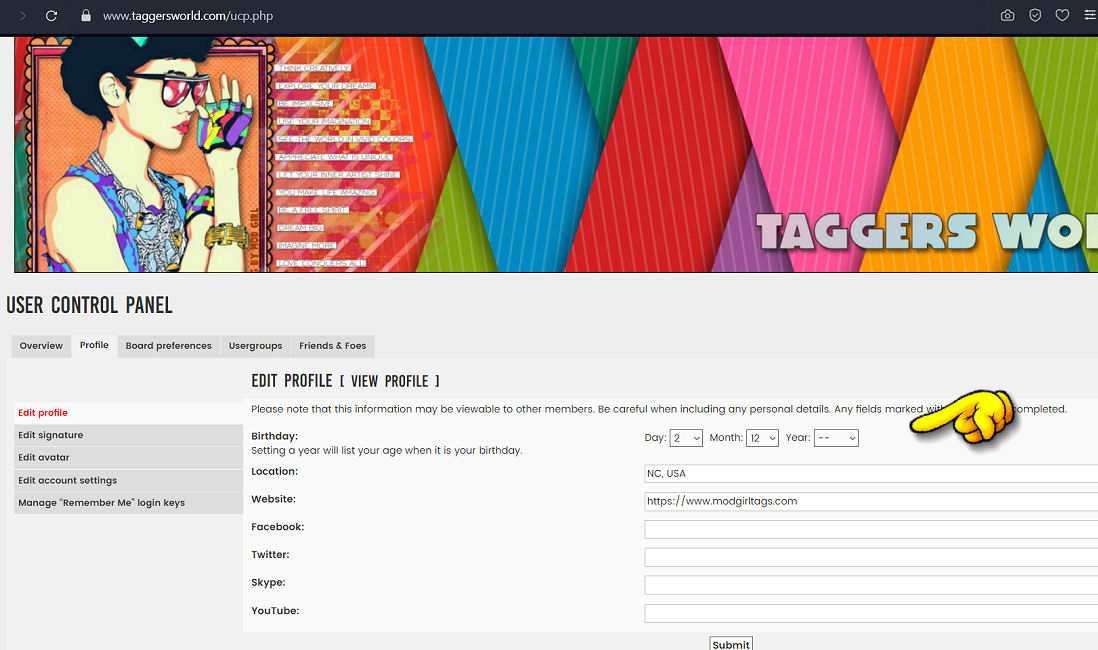
 The next page will take you to your profile where you can change things.
Here you can add your birthday, where you live, a link to your website and any links to your social platforms:
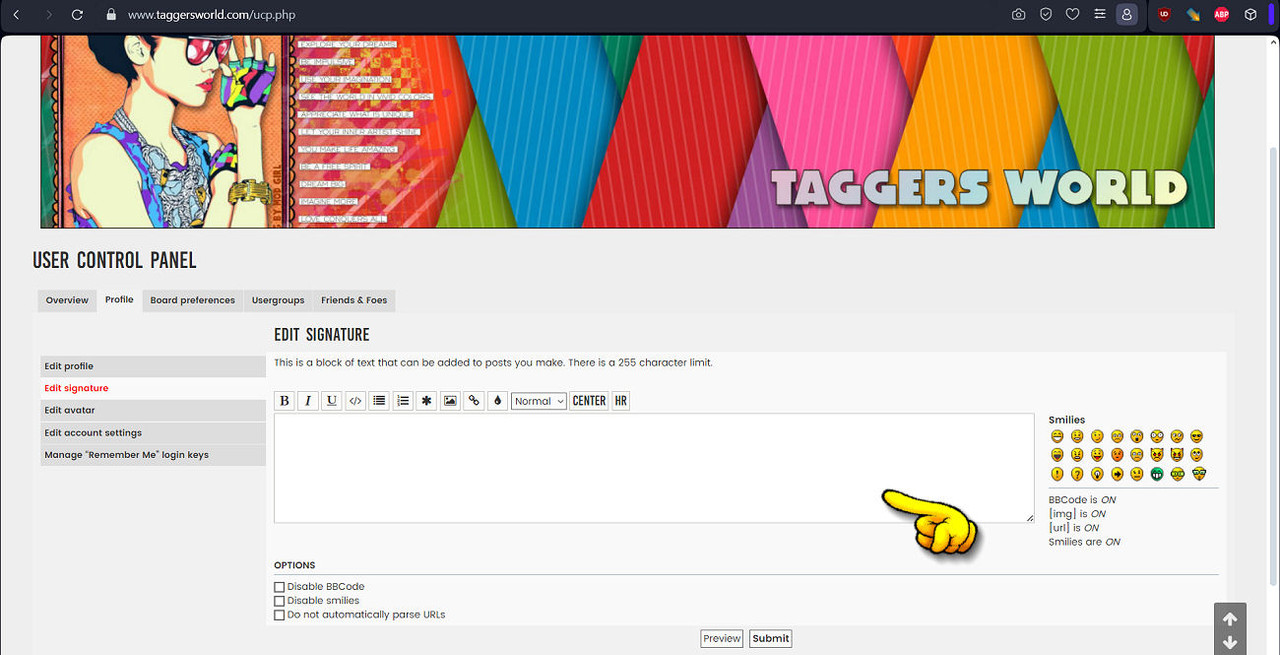
 After you have edit all that information you can now add your signature.
A signature is text or an image that you want to add to the bottom of all your posts while here in the forum.
If you don't want to add a signature you can skip that step.
 And finally if you want to add an avatar to your profile you can do that too.
I have added a gallery full of avatar images that you might want to use for your profile.
Just use the drop down box to select the avatar you want to use.
And if you have an avatar on your computer, you can upload that also: